How to Mine Aeon
Aeon began its existence as a fork of Monero’s oldest algorithm versions. The team behind it have made the cryptocurrency CPU and GPU mineable, while trying to maintain its resistance to ASICs. In this article, we’re going to present you with how to mine Aeon and why it has such great potential in a simple to follow step-by-step guide. The key aspects that we’ve covered are: …more
- How to choose the best Mining Hardware and Software
- How to setup and configure your Equipment
- Joining an Aeon Mining Pool
If you’re the sort of person that wants to get started mining Aeon straight away and avoid the hardware and electricity hassle, you have the option of cloud mining.
Why Mining Aeon is Something You Should do?
Aeon cryptocurrency is а mobile-friendly version of the Monero coin, which can be run efficiently on a mobile device, laptops and PCs. It has a tweaked PoW (Proof-of-Work) mechanism, allowing faster verification of the blockchain. By pruning the data kept in the blockchain, the coin allows for improved anonymity and the ability to mine Aeon on devices with limited storage. Compared to Bitcoin, it is a currency based on the CryptoNote algorithm, which has a higher verification level leading to more orphaned blocks. Having in mind the lighter PoW, device performance can be improved by 10 times or even higher. Payments are anonymous by default, but there’s also an option for traceable transfers, which are a faster, lower-fee option for non-sensitive payments (exchange transfers). While still using the technical advantages of Monero, this coin has distinct goals and an independent community. For all those reasons, Aeon is the perfect match for your mining goals.
What’s the Best Way to Mine Aeon?
The Aeon coin can be mined using CPU or GPU rigs (both Nvidia and AMD based). There are different opportunities including a XMRig miner, SRB miner, also a Claymore one, but the best choice you’re able to make as a user, is the one providing you with the option of using both CPU and GPU miner, which XMR-Stak is capable of providing. You can download it from their Github site and of course, note the importance of the proper configuration in order to mine for Aeon effectively.
Other advantages, besides the dual mining option, are an easy to use interface, optimizations for achieving the hash rate possible, detailed statistics provided by the miner and the support for more pool connections. It’s still in development, which means there are further improvements, right around the corner.
What do You Need to Start Mining Aeon?
If you take a quick glance at the requirements for mining, you’re going to note that in second place, right after the Aeon hardware choice, is having a reliable internet connection. That is due to the fact, that you need 24/7 access to the blockchain to mine and achieve profit. The next thing on our list is creating a wallet to hold and move your coins.
Minimum requirements to start mining Aeon:
- Mining Hardware (GPU)
- Mining Software
- Reliable internet connection with 1MB/s Bandwidth
- An Aeon Wallet to store your income
For thorough information on what to buy and how to decide what’s best, see our hardware section.
Best Choice of Aeon Mining Hardware to buy
As we previously mentioned, we recommend using the XMR-stak software, because it will allow you to mine using a mix of Nvidia and AMD GPU’s, as well as a CPU – all from one window. Having in that mind, let’s quickly cover the top 3 GPUs and CPUs. Speaking of CPU options:
Recommend Aeon CPU Mining Hardware
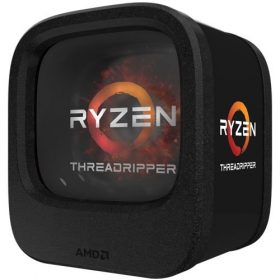
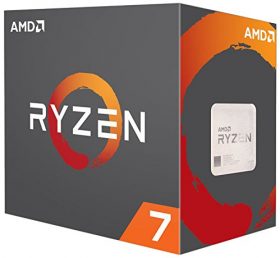
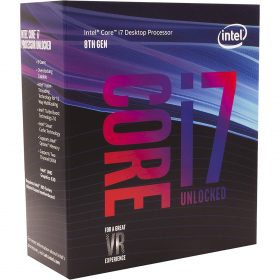
Once you know the price and performance of each CPU miner, you can compare them with the help of our calculator.
In terms of choosing a GPU, these are our top suggestions for the moment:
Recommend Aeon GPU Mining Hardware
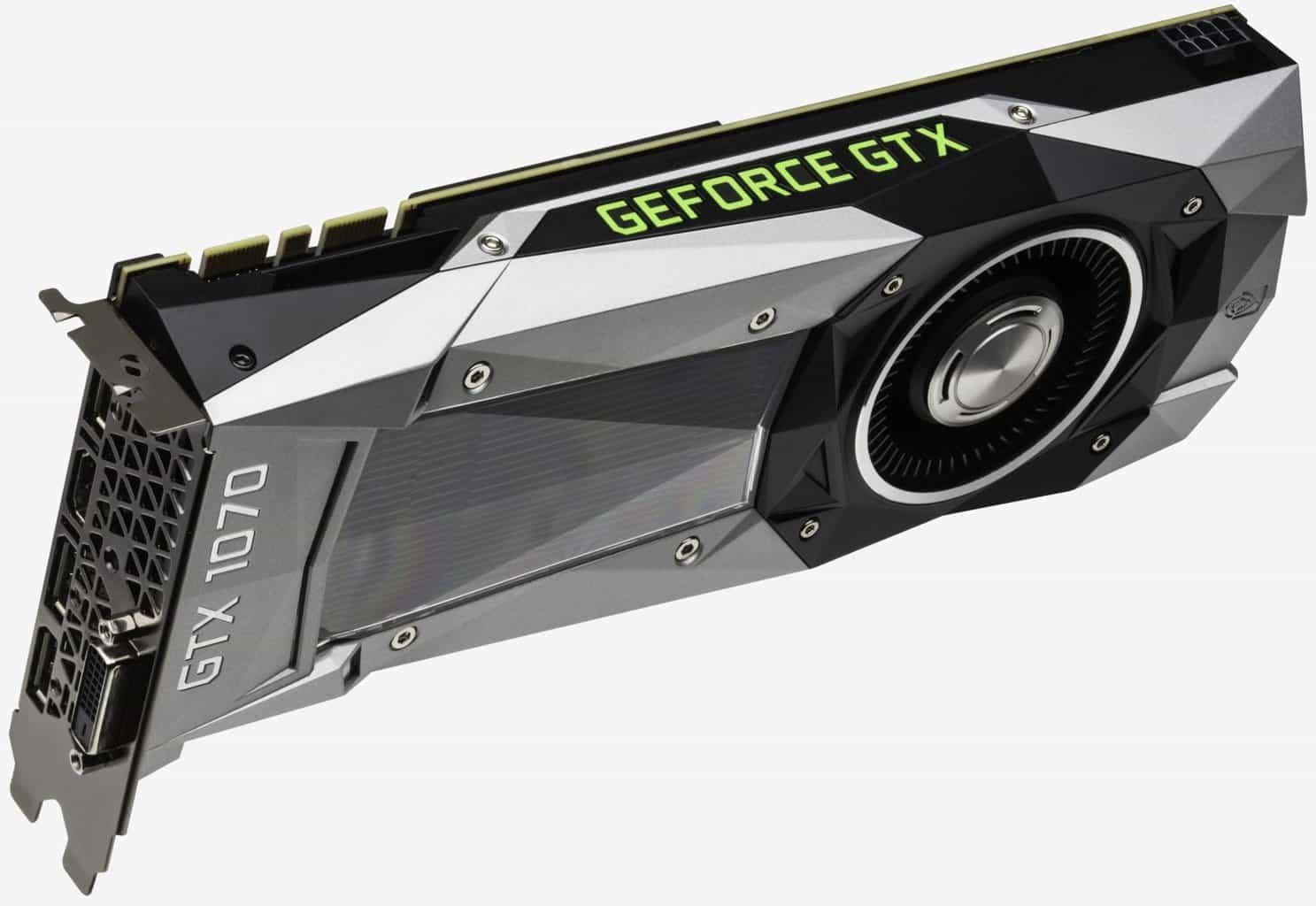
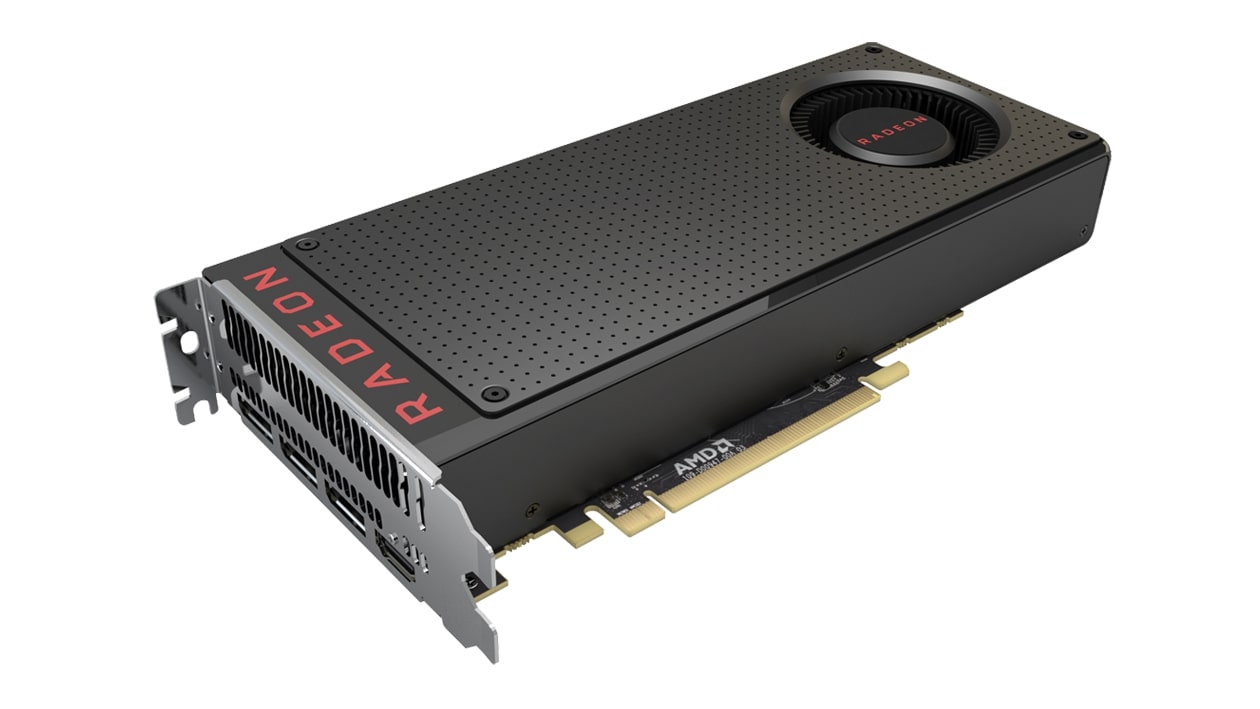
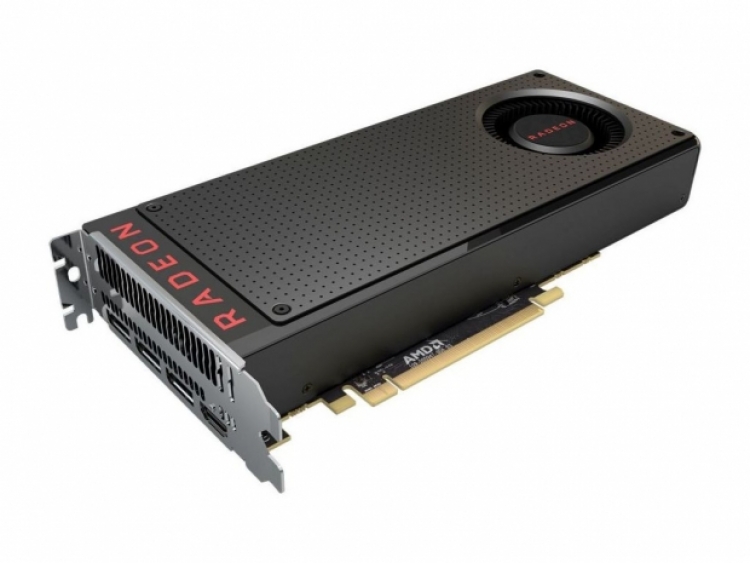
Once you know the price and performance of each GPU miner, you can compare them with the help of our calculator.
Now, you have all the information needed to make the right choice, corresponding to your needs. Let’s start making some money.
What Else to Consider Before Start Mining Aeon
Just like any other piece of machinery, operating temperature and proper cooling are crucial for the performance. In mining, those factors could mean the difference between losing your investment and achieving a profit. You should also note the noise produced by the fans and consider a solution for soundproofing, provided you’ll host the devices where you live. Trust us, it can get really noisy around those rigs.
To find out how to take care of those issues, do visit our page: Ventilation, noise and cooling decisions for your hardware. Our experts have compiled their knowledge and experience in a ready for application format.
After you’ve covered the hardware aspect of mining, you’re presented with the choice of whether to mine Aeon in a pool or go solo. We recommend joining a team of other miners and sharing in their profits. It’s much faster than going solo, and despite receiving lower sums, you’ll be getting rewarded much more frequently and in a steady flow. After all, we prefer some degree of certainty, at the cost of a low fee, compared to depending on the odds stacking in our favor, when going solo.
We’ve summarized your pool options, where mining for Aeon is most profitable. Below is a list including a few main features to look for:
Hashvault
c1d2.com
Aeon Pool
Choose a mining pool and register your account in their website if its required.
For detailed information about mining pools in general, types of reward systems and different payouts, visit our mining pools webpage.
Setup Hardware and Software / Configuration
We will provide you a step-by-step guide for Windows installation. All you need is an Aeon wallet address and a PC connected to the Internet. The following steps are for using XMR-Stak. There are also instructions how to connect to the Aeon mining pool of your choosing and earn those sweet block rewards. Please note, that you shouldn’t use an exchange wallet address, but to create your own Aeon one. Here we go:
-
01. Find Your Wallet Address and Copy it
-
02. Download the Mining Software: XMR-Stak
Download XMR-Stak from Github. Extract xmr-stak-win64.zip and open the extracted folder.
-
03. Double-click on xmr-stak.exe and run the Application
Hit “Yes” or “Allow this file to run” to any anti-virus or security software prompts you might have.
-
04. Type aeon7 and hit Enter (We are telling XMR-Stak to mine Aeon)
-
05. Type mine.aeon-pool.com:5555 and hit Enter to Select the Pool Address
This will connect XMR-Stak to aeon-pool.com server and allows your computer to collaborate with other Aeon miners.
-
06. Paste Your Wallet Address and hit Enter
Click on the Program Icon on the upper-left corner of the window to open the Menu. Move your mouse to the “Edit” submenu, and then click “Paste”. Then press Enter.
If you forgot to copy it or the clipboard is overwritten, just minimize XMR-Stak and open the wallet address file again, so you can copy it.
-
07. Leave the ‘Password’ blank and Press Enter. Then Answer “No” to all the questions.
You won’t need a password to view your stats and the payouts are automatic to your wallet when the pool finds a block. Type in No (or n) and hit Enter for the questions.
If you followed the instructions correctly, XMR-Stak will connect to the mining pool and start hashing.
Working configuration should give you similar output:
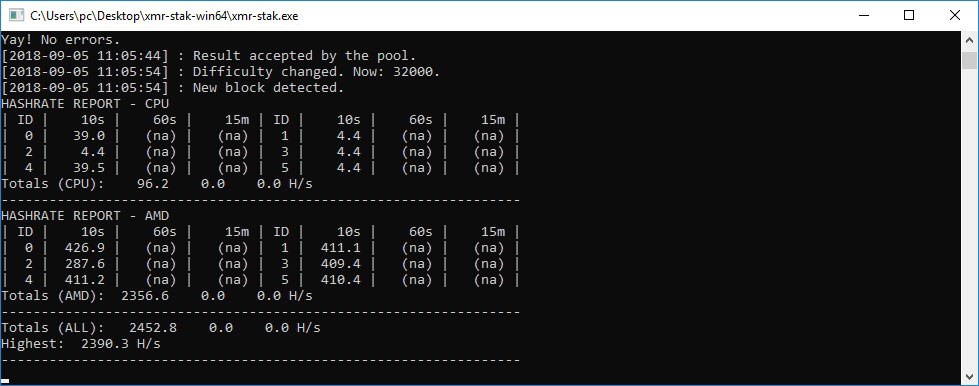
Type c to see the ‘Connection Status.’
Type h to see the ‘Hashrate Report.’
Type r to see the ‘Results Table.’
Aeon Cloud Mining
Cloud mining is popular as an alternative solution for those of you, who don’t want to engage with buying equipment and dealing with increased electricity bills. When you are keen on just signing a contract with a provider, who’s using their personal resources for your mining needs, this section is for you. Cloud services offer many advantages such as:
- 01. Mining with outsourced hardware
- 02. Immediate results, mining updates every 60 seconds
- 03. No heat and noise to deal with, nor hardware to maintain
- 04. Receiving payouts in any listed cryptocurrency
Check out our cloud mining article, to familiarize yourself with the process, in detail: Cloud mining.
Aeon Calculator
As an added convenience, we’ve provided you with our own Aeon mining calculator, with the help of which, you can figure out how much you’ll be able to mine per day and what it equals to in fiat currency. The calculator does provide a rough estimate, which is by no means set in stone, so keep that in mind.
All you need to do is enter your hash rate, power consumption in watts, your cost – per kilowatt hour that you pay for electricity and the pool fee.
For cloud mining things are even easier. You only need to enter the hash rate and pool fee. From the result, you can deduct your expenses for the mining contract.
Disclaimer: The calculation used to determine your Aeon profitability applies only for the current moment of estimation. There is a risk of volatile coin price or increased Aeon network difficulty, which can result in significant profits or losses.
FAQ
How long does it take to mine 1 AEON?
If mining at a hash rate, for example around 2000 H/s, it will take you approximately 3 days to mine 1 coin.
What is the AEON max supply?
Currently the max supply is capped at 18 400 000.
How to mine AEON at raspberry pi?
It is possible, but it’s not recommended. You’re unable to complete with powerful GPUs.
Is it worth it and what’s the Aeon profitability?
You’re able to calculate it, using the Aeon Mining Calculator.
Can I mine AEON on my iPhone?
Yes, there is such a possibility, which we don’t recommend, because you risk overheating or damaging your phone.
About Aeon
Aeon was launched in 2014 as a Monero fork, with no premine or instamine. It has no developer tax. 100% of funding is via voluntary community donations, which have created a development fund of almost 1 million USD (as of May 2018). It is based on the CryptoNote procotol and uses the CryptoNight Lite algorithm’s features, such as:
- True anonymity and data protection
- Untraceable payments using ring signature
- Unlinkable transactions
- Blockchain analysis resistant
- CPU/GPU mining
- ASIC-resistant
Its maximum supply is about 18,4 million coins and its roadmap is still under development.
Aeon Team
An anonymous developer on the Bitcoin Forum, named Aeon, launched the cryptocurrency in 2014. A little bit later the same year, the original developers discontinued work on the project and it was considered abandoned. However, in 2015, after a community approval, all the assets were handed to a new developer (Smooth) concurrently working on the Monero project. The Aeon project was rebranded, and a new roadmap was announced.
“Smooth” (the core developer of the Monero Project) became Lead Developer of Aeon in April 2015. He is one of the most knowledgeable and competent people in the crypto-sphere as of now. He admits that he also develops for Monero.
Aeon Hashing Algorithm
The Aeon cryptocurrency is based on the CryptoNote protocol and uses the CryptoNight-Lite algorithm. The algorithm provides the opportunity to use an all-in-one CryptoNight miner. After the release of the CryptoNight ASIC by Bitmain, most of the CryptoNote coins have forked and made changes to their Proof-of-Work consensus. For example, the Aeon coin changed its algorithm, from Lite to Lite V7.
Aeon Regulations
As expected, on the top of the list of countries, which stand behind cryptocurrency trading is the USA. Followed by Canada and Russia, these three are most likely to promote investing in the crypto market. On the other hand, China and Nigeria banned all crypto actions. Others such as the EU countries, South Africa, UK and Australia are developing policies to strictly regulate crypto-trading.
Sources: